
Download ElephTV now and Get a 7-day free trial
Works on Android phones, smart TVs, TV boxes and TV sticks.

Mobile Version

Android TV

TV Box

TV Stick
Download ElephTV on your TV
Method 1: Install via Downloader
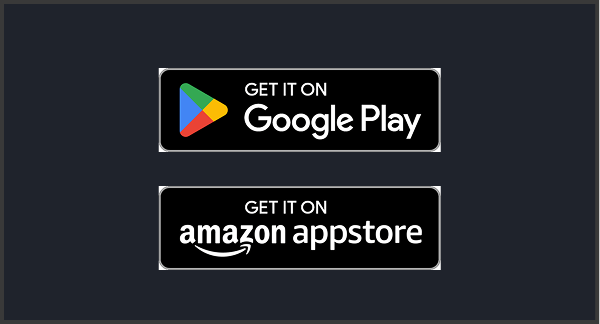
Step 1: First, download “Downloader” on your TV, as shown in the picture
Step 2: Open “Downloader”, enter the download link
“https://app.elephtv.pro/app/elephtv_eleph-Site.apk”
or the number ‘6273077’, then click “GO”
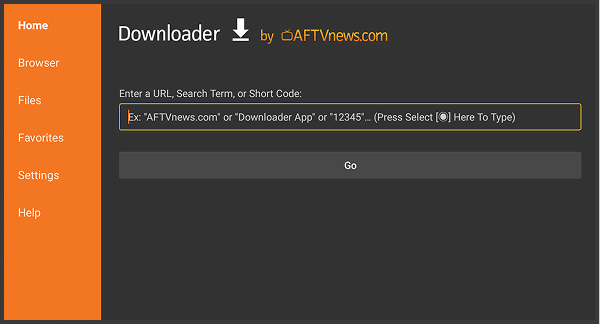
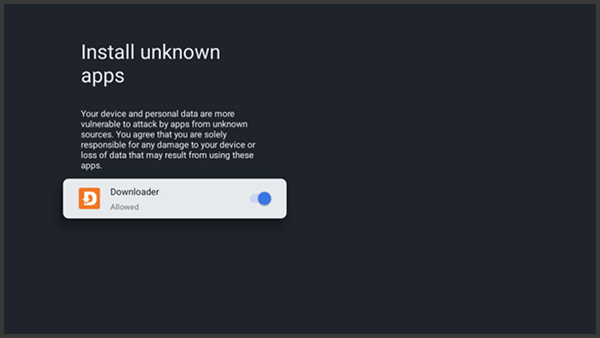
Step 3: Wait for the download to complete, then click install, and after the installation is finished, you can open it to use ElephTV.
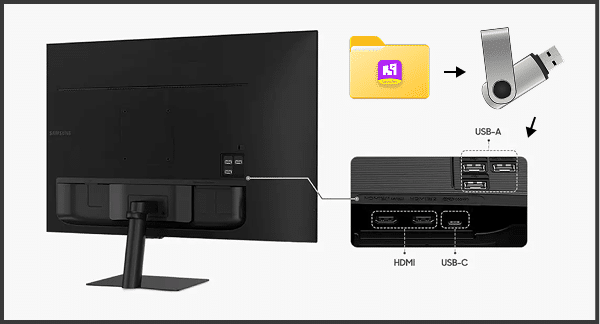
Method 2: Install via USB Drive
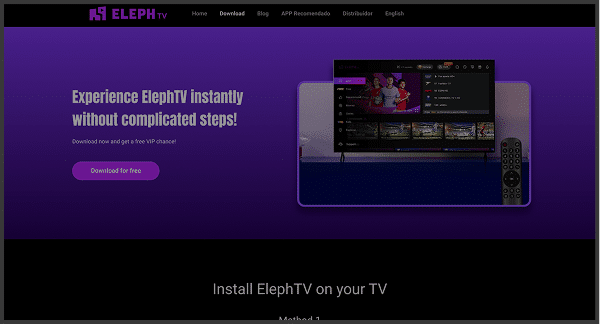
Step 1:
OTG download
1. Open the ElephTV official website: www.elephtv.com, and download the ElephTV app; Find the file in the download folder on your computer and save it to a pen drive.
Step 2:
Insert the pen drive into the TV box. Go to the corresponding folder, select the file and install it
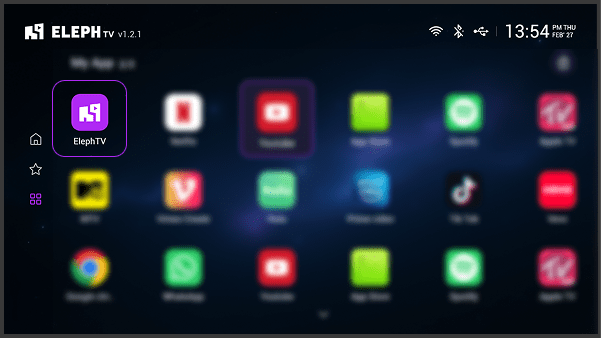
Step 3:
After installing ElephTV, you can start using ElephTV.
How to Download ElephTV on Your Mobile
Method 1: Install via Downloader
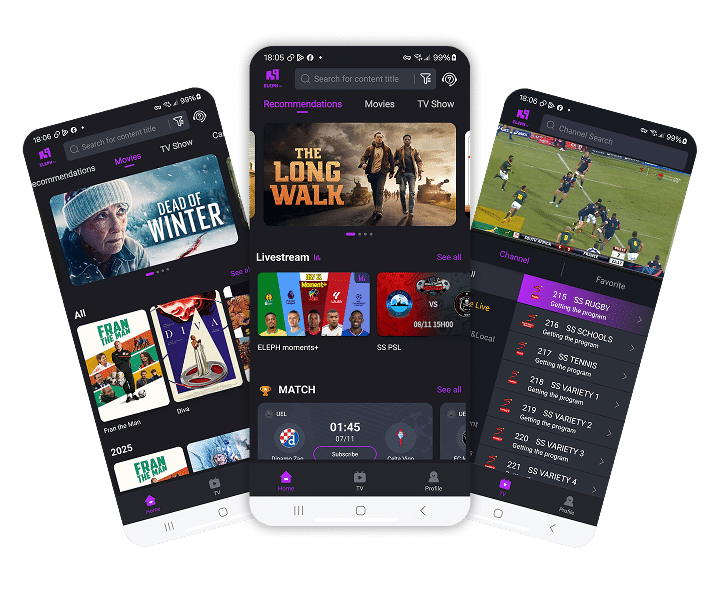
Step 1: Open Your Browser
Tap the link below to download the app directly:
https://elephtv.life/elephmob-Site
Step 2: Enable Installation from Unknown Sources
Go to Settings > Security > Install unknown apps
Step 3: Open the downloaded file and tap Install.